
Trusted Contacts
2 people watching over your walk
Know They're Safe.
Before You Need To Know.
Keep the people you trust aware of where you are, from the moment you leave until the moment you return safely.
Global Check-In Network
Real-time safety check-in activity across active corridors worldwide.
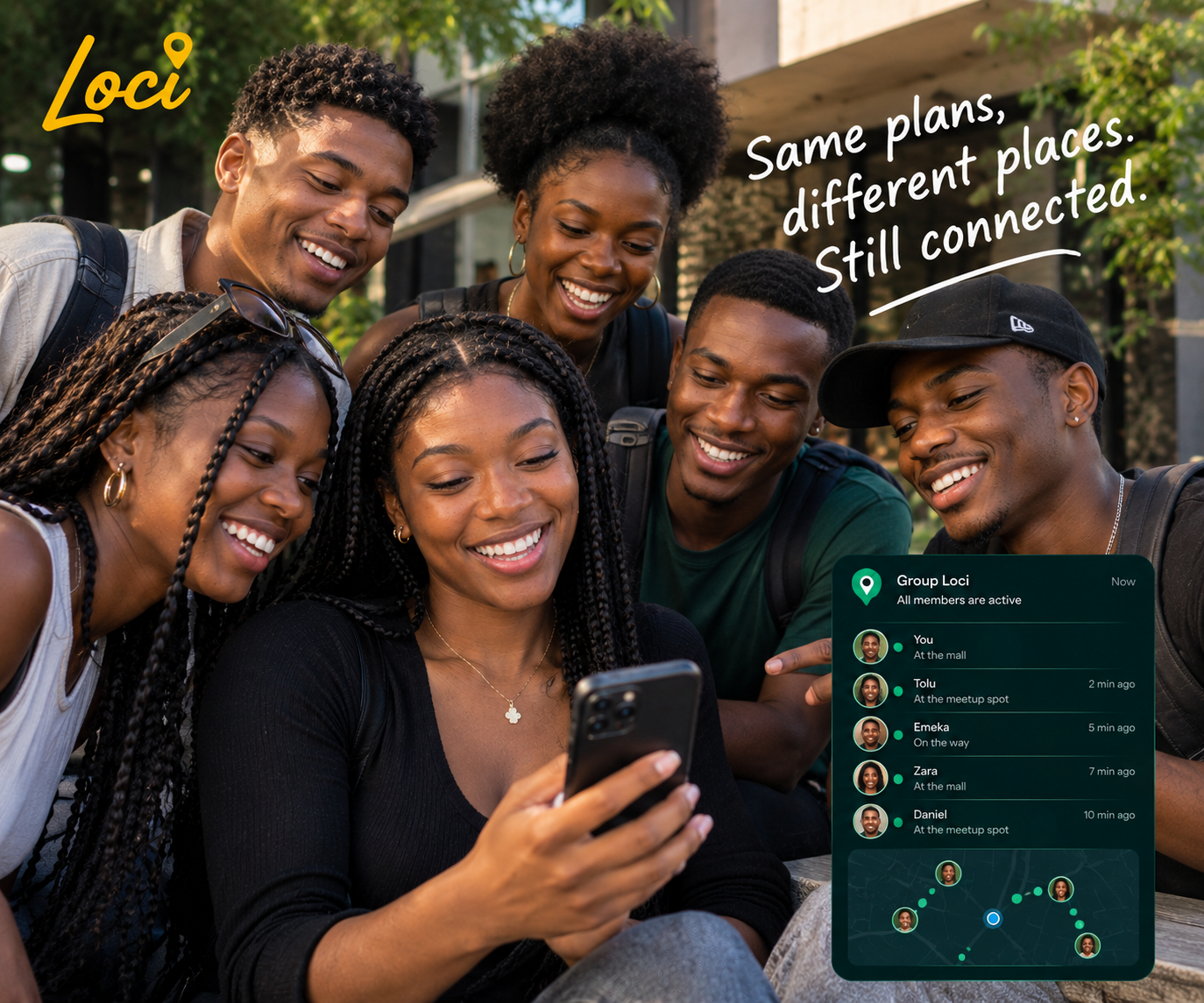
Same plans, different places.
Still connected.
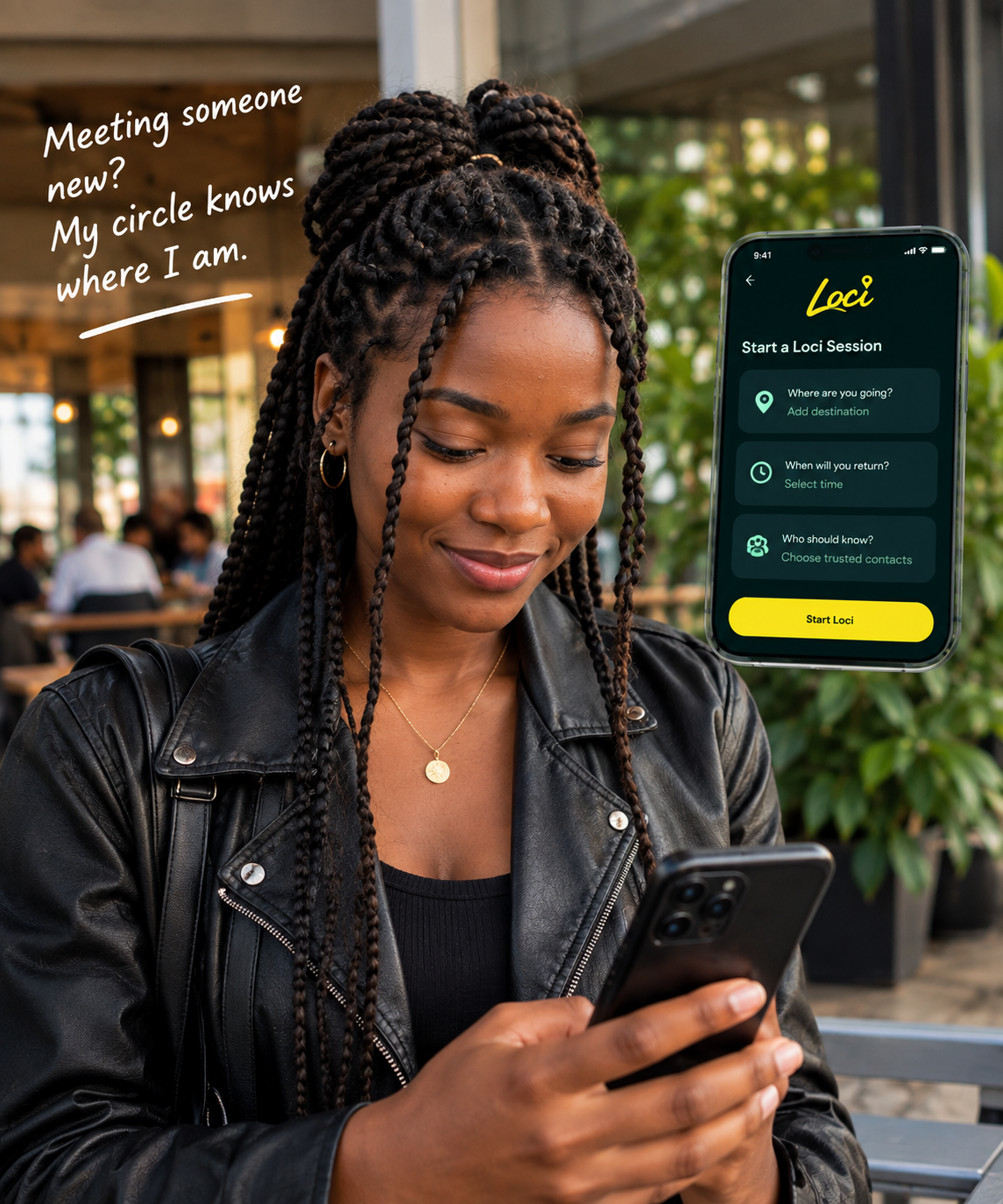
Whether you’re commuting late, meeting someone new, or traveling in a group, Loci keeps your trusted circle informed without invasive spying.
Session Active

Know you made it home.

Traveling Abroad
Consent-First Safety. Zero Spying.
Hover over any card to pause the scroll.
1. Add Trusted Contacts
Save people who should receive automatic check-in updates and missed-arrival alerts.
2. Set Arrival Timer
Start a session when leaving or commuting, specifying expected arrival time.
3. Check-In Safely
Tap once when you arrive. If time expires without check-in, alerts dispatch automatically.
4. Gradual Escalation
First reminds you, then alerts contacts gently before escalating, avoiding false alarms.
1. Add Trusted Contacts
Save people who should receive automatic check-in updates and missed-arrival alerts.
2. Set Arrival Timer
Start a session when leaving or commuting, specifying expected arrival time.
3. Check-In Safely
Tap once when you arrive. If time expires without check-in, alerts dispatch automatically.
4. Gradual Escalation
First reminds you, then alerts contacts gently before escalating, avoiding false alarms.
Install Loci Directly on Your Phone or Computer
No app store required. Install directly from your browser for native standalone access.